Join our Official WhatsApp Channel
Get daily alerts on fully funded scholarships, remote jobs, and visa sponsorships before anyone else.
Free community. No paid links or spam.
Quick Intelligence
- 1
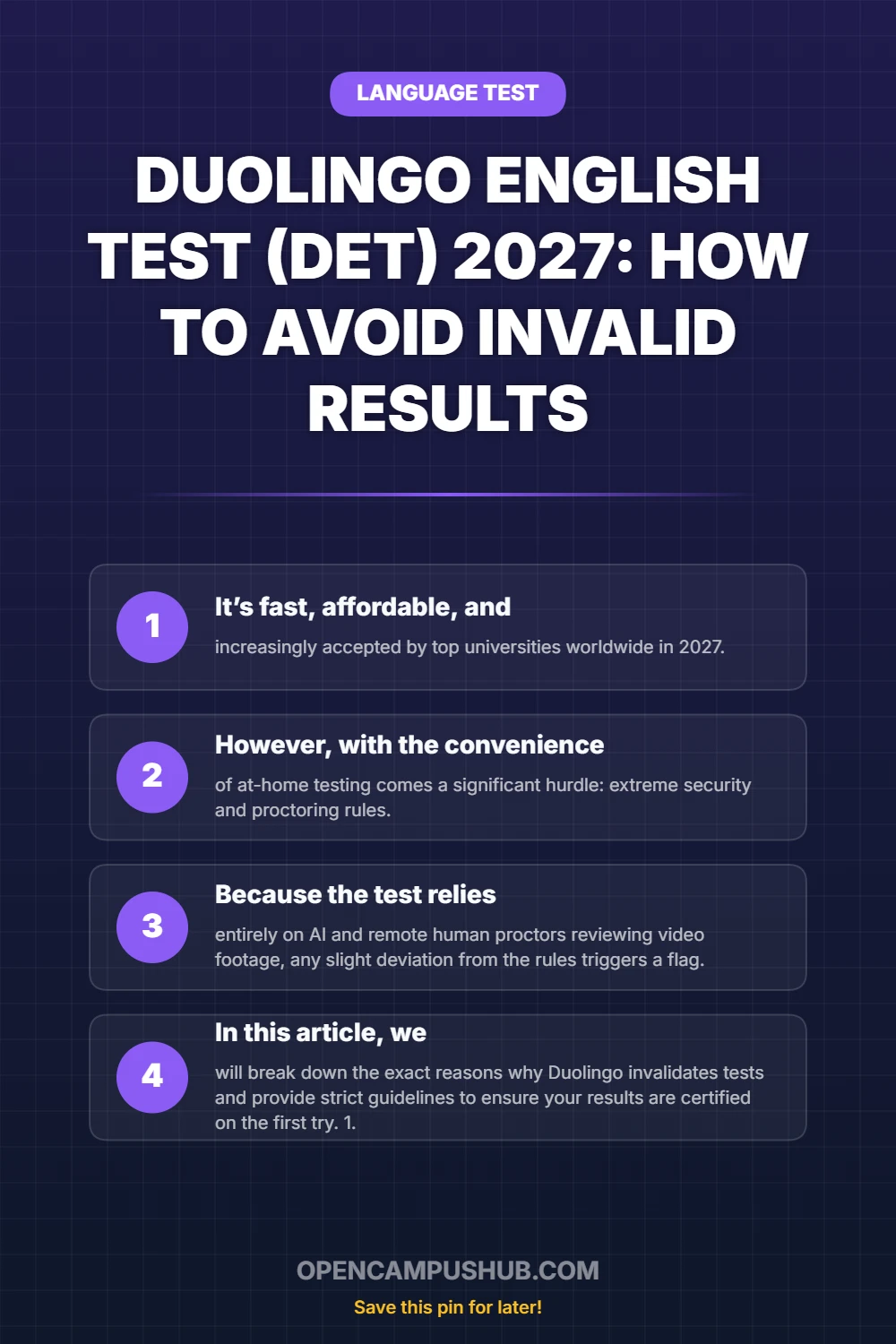
It’s fast, affordable, and increasingly accepted by top universities worldwide in 2027.
- 2
However, with the convenience of at-home testing comes a significant hurdle: extreme security and proctoring rules.
- 3
Because the test relies entirely on AI and remote human proctors reviewing video footage, any slight deviation from the rules triggers a flag.
- 4
Stare at the webcam/screen: When you are thinking about an answer, actively force yourself to stare directly into the webcam or at the center of your screen.
Introduction: The Frustration of Uncertified Results
The Duolingo English Test (DET) has revolutionized language assessment by allowing students to certify their English from the comfort of their own homes. It’s fast, affordable, and increasingly accepted by top universities worldwide in 2027. However, with the convenience of at-home testing comes a significant hurdle: extreme security and proctoring rules.
Table of Contents
- 1. Introduction: The Frustration of Uncertified Results
- 2. 1. The Number One Culprit: Eye Tracking and Looking Away
- 3. 2. Background Noise and Speaking Volume
- 4. 3. Software, Extensions, and External Devices
- 5. 4. Frame Composition and Lighting
- 6. 5. Unnatural Speaking or Writing (Plagiarism/Templates)
- 7. Frequently Asked Questions (FAQ)
One of the most common and frustrating experiences for DET test-takers is completing the hour-long exam only to receive an email stating that their results are "Uncertified" or invalid. Because the test relies entirely on AI and remote human proctors reviewing video footage, any slight deviation from the rules triggers a flag. In this article, we will break down the exact reasons why Duolingo invalidates tests and provide strict guidelines to ensure your results are certified on the first try.
1. The Number One Culprit: Eye Tracking and Looking Away
The most frequent reason for uncertified results is "looking off-screen."
The Rule
You must keep your eyes focused on the screen at all times. The DET uses advanced eye-tracking AI. If you constantly look up at the ceiling when thinking, glance at your keyboard, or look to the side, the AI assumes you are reading notes or looking at a second monitor.
How to Avoid It
- Practice typing without looking: If you are a hunt-and-peck typist, looking down at your keyboard constantly will get you flagged. Practice touch typing before the exam.
- Stare at the webcam/screen: When you are thinking about an answer, actively force yourself to stare directly into the webcam or at the center of your screen. Do not let your eyes wander.
- Remove second monitors: Ensure any secondary displays in the room are unplugged and turned around.
2. Background Noise and Speaking Volume
The testing environment must be completely silent and private.
The Rule
If the microphone picks up any voices other than yours, your test will be instantly invalidated. This includes people talking in the next room, a loud television downstairs, or street noise that sounds like human speech. Furthermore, if you speak too quietly during the speaking tasks, the AI cannot grade you.
How to Avoid It
- Choose the right time and place: Take the test late at night or early in the morning when the house is silent. Warn everyone in your home that you are testing and put a "Do Not Disturb" sign on your door.
- Speak clearly and loudly: Project your voice at a normal conversational volume. Do not whisper.
- Close windows: Ensure ambient street noise is minimized.
3. Software, Extensions, and External Devices
The DET application is highly sensitive to background processes on your computer.
The Rule
You cannot use any third-party software, browser extensions (like Grammarly), or unauthorized external devices. Using headphones or earphones of any kind (wired or Bluetooth) is strictly prohibited. You must use your computer’s built-in speakers and microphone (or a standard external webcam/mic setup).
How to Avoid It
- No Headphones: This is a massive reason for failure. Take off your earphones, headsets, and Airpods before starting the setup.
- Close everything: Before launching the DET app, close all other applications, especially communication tools like Skype, Zoom, Discord, or WhatsApp.
- Disable Grammarly: Turn off any predictive text or grammar checking software at the system level.
4. Frame Composition and Lighting
The proctors need a clear, unobstructed view of your face and testing environment.
The Rule
Your face must be fully visible and well-lit throughout the entire test. If you lean out of the frame, cover your mouth while thinking, or sit in a dark room with a bright window behind you (backlighting), the test cannot be certified.
How to Avoid It
- Positioning: Sit straight. Ensure your entire head and shoulders are clearly visible in the camera preview. Do not lean forward out of the frame.
- Lighting: Place a lamp or light source in front of you, behind the monitor. Never sit with a window directly behind your back, as it will cast your face in deep shadow.
- Keep hands away: Never cover your mouth or face with your hands while thinking or speaking.
5. Unnatural Speaking or Writing (Plagiarism/Templates)
Just like IELTS and PTE, Duolingo is cracking down on memorized content.
The Rule
If the AI detects that you have copy-pasted a pre-written essay, or if your speaking sounds like a memorized script that doesn't perfectly match the prompt, your test will be invalidated for "unnatural language."
How to Avoid It
Always respond directly and authentically to the prompt given. Use your own vocabulary and natural speech patterns. Do not attempt to memorize complex essays from the internet and force them into the DET writing sections.
Don't miss the next deadline!
Join our WhatsApp Channel for instant alerts.
Frequently Asked Questions (FAQ)
What happens if my Duolingo test is uncertified?
If your test is uncertified due to a technical error or a minor rule infraction (like looking away too much), Duolingo usually allows you to retake the test for free, provided you haven't broken a major security rule. You have a limited number of free retakes.
Can I look at the keyboard while typing in the DET?
You can glance at the keyboard briefly, but continuous or prolonged looking down will trigger an eye-tracking warning. It is highly recommended to improve your touch-typing skills before the test.
Can I use pen and paper to take notes during the Duolingo test?
No. Absolutely no note-taking is allowed. Having a pen, paper, or notebook on your desk will result in an immediate invalidation of your test. All thinking must be done mentally.
How long does it take to get Duolingo results in 2027?
Standard results are delivered within 48 hours. If you purchase the expedited option, you can receive your certified results in just 12 hours.
Taking the Duolingo English Test requires strict discipline regarding your environment and behavior. By following these rules carefully, you can ensure a smooth testing experience and secure your certified results without the stress of a retake.
Written by the OpenCampusHub Editorial Team
Our global team of education and mobility experts is dedicated to verifying international opportunities. We ensure every guide meets strict standards for accuracy, leveraging official sources and real-world data.
Share this article
Discussion
Welcome to the discussion. Please keep questions relevant to the 2026 cycle. Our team aims to respond to critical inquiries within 48 hours.